

Get and Free Connector
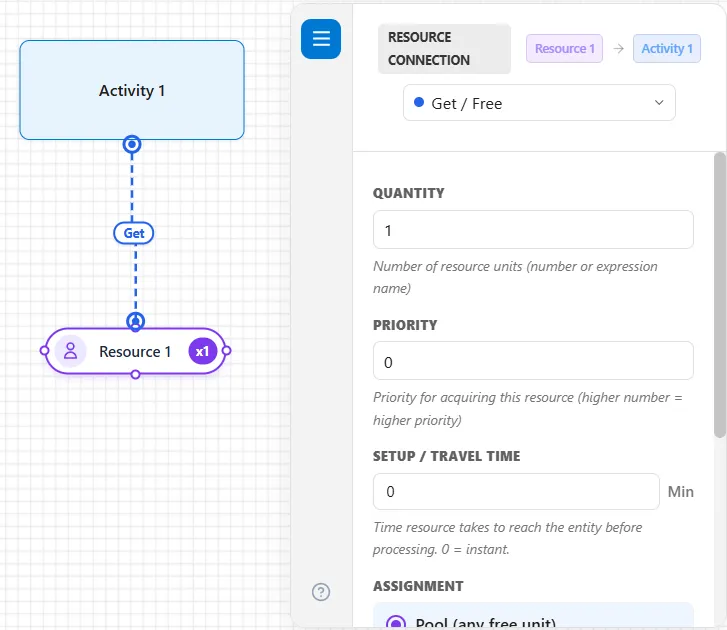
A Get / Free connection is the everyday way to use a resource: the activity seizes the resource when an entity starts, and releases it automatically when the activity finishes. It is the default connection type.
Use it whenever a resource is needed for just one activity, like a clerk who serves a customer and is then free for the next.
Settings
Section titled “Settings”- Quantity: how many units to seize (default
1). - Priority: the order this activity acquires the resource when there is competition.
- Setup / Travel Time: time for the resource to reach the entity before work begins (
0is instant).
Assignment
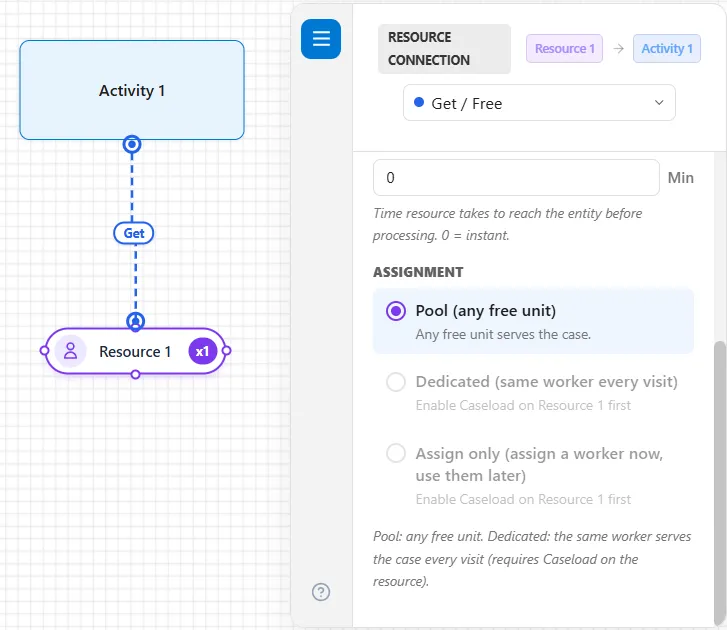
Section titled “Assignment”Below Setup / Travel Time, the General tab has Assignment: Pool (any free unit), Dedicated (same worker every visit) and Assign only (assign a worker now, use them later). A new connection is on Pool. The other two stay gray until the resource’s Caseload is on, as Figure 1 shows. The three choices are described under Assignment in Resource Connectors.
LegacyHow this worked in the previous version
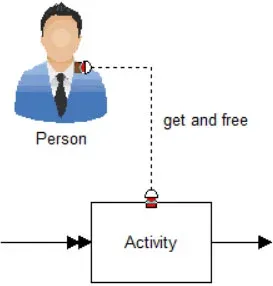
The Get and Free resource connection allows you to use the resource for the duration of the activity or move, and once the activity or move is complete, the resource is freed.
**Quantity **The number of units of this resource that are required to work on each entity entering the connected activity. Any expression is valid.
Priority Enter the priority (0 - 99) for responding to this activity. Higher values have higher priorities. A priority is only necessary if the resource is assigned to multiple tasks that may be competing for the services of the resource.
Respond immediately Check this box if the resource is to interrupt any other activity in order to respond immediately to this activity. This selection is only meaningful if the resource is assigned to multiple tasks. (A resource that is off shift or on break will not respond until back on duty by this request.)