

Cost, Logic, and Seed
Beyond the type-specific settings on its General tab, every route shares three tabs that work the same way on any route type: Cost, Logic (which holds action logic), and Seed. Each route article links here rather than repeating them.
The Cost tab assigns a cost to a route and classifies it for reporting.
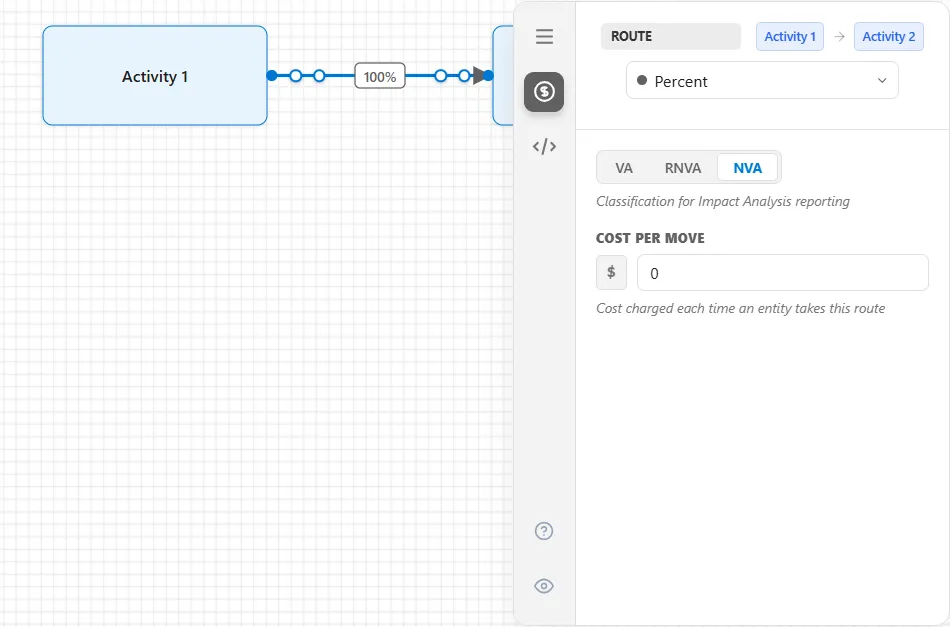
- Classification (VA / RNVA / NVA): marks the move as Value-Added, Required Non-Value-Added, or Non-Value-Added for Impact Analysis reporting.
- Cost Per Move: the amount charged each time an entity takes this route. It is added to the entity’s running cost as the entity sets off, before the move time passes (a move that takes no time included), in the bucket the classification above selects. The default is 0. Cost affects reporting only, never the model’s behavior.
An entity traveling a route also accrues its own Waiting Cost for the duration of the move, booked when it arrives and counted as non-value-added even on a route marked value-added. Route cost is one of five places cost is set: see Costs in a model for how they compose.
Action Logic
Section titled “Action Logic”The Logic tab runs logic each time an entity takes the route.
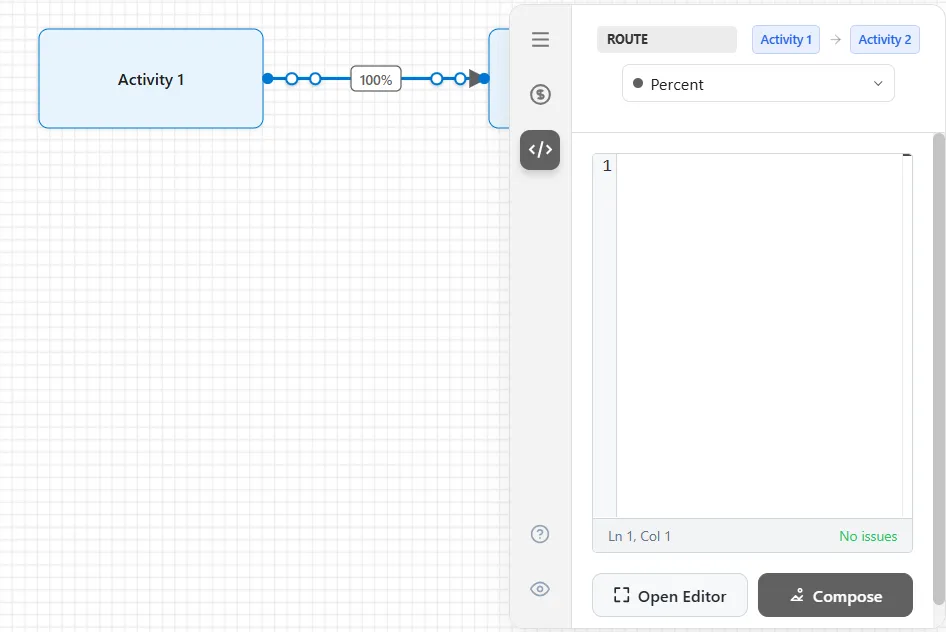
Use it to record custom statistics, adjust variables or attributes, or add extra control over the move. A route’s action logic runs after the entity has secured capacity at the destination, met the route’s condition, and (if needed) acquired its resource; once the logic finishes, the move begins. Write it inline, or select Open Editor for the full editor.
A route has one moment to run at, so no section header is needed. Logic on an activity is the one with several, and a queue is like a route in having just one.
The Seed tab controls randomness on the route.
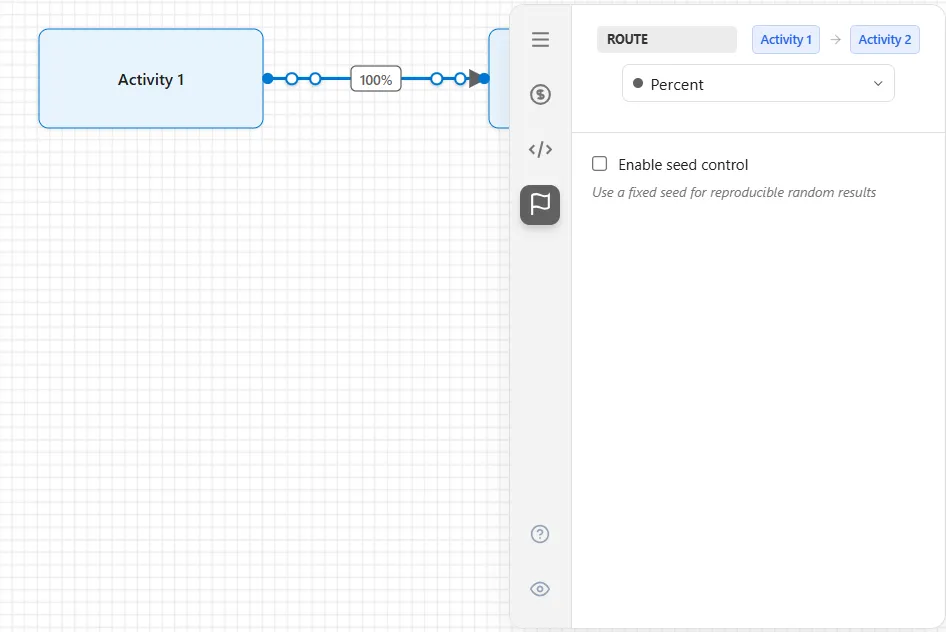
Check Enable seed control to use a fixed seed, so any random choice on this route produces the same result on every run. Leave it off for normal run-to-run variation.